






🚔 Building a Police Chase Game for Physics Class: My Story with AI Coding 🤖
🤔 Why I Made This Game
I’m a physics teacher 👨🏫, and I noticed my students always get confused about basic motion concepts. They think:
Objects need constant pushing to keep moving 🏃♂️➡️
Speed and acceleration are the same thing 🏎️💨
All motion happens in straight lines ➡️
Physics problems are just made-up math 📝❌
So I decided to build a fun game where students can see real physics in action – a police chase simulation! 🎮🚓💨
🚀 How It All Started: My First Request to AI
I told the AI exactly what I wanted:
This simple request started everything!
Building the Game: 8 Tries to Get It Right
Try 1: Basic Setup
Problem: Made a simple map but nothing worked properly
What I learned: Need to plan better from the start
Try 2: Getting Maps to Work
Problem: No maps were showing up
Solution: Added the map API key system so maps actually load
Try 3: Missing Characters
Problem: Couldn’t see the police car or thief at all!
Solution: Made bright, colorful icons that always show up
Try 4: Better Location Names
Problem: Game only showed confusing numbers like “12.345, 67.890”
Solution: Changed it to show real places like “Main Street, near McDonald’s”
Try 5: Smarter Police
Problem: Police and thief both just ran to the same spot (boring!)
Solution: Made police actually chase the thief wherever they go
Try 6: Smooth Movement
Problem: Characters jumped around like robots
Solution: Made them move smoothly like real people and cars
Try 7: Bringing Back Physics Rules
Problem: Lost the speed-up and slow-down features
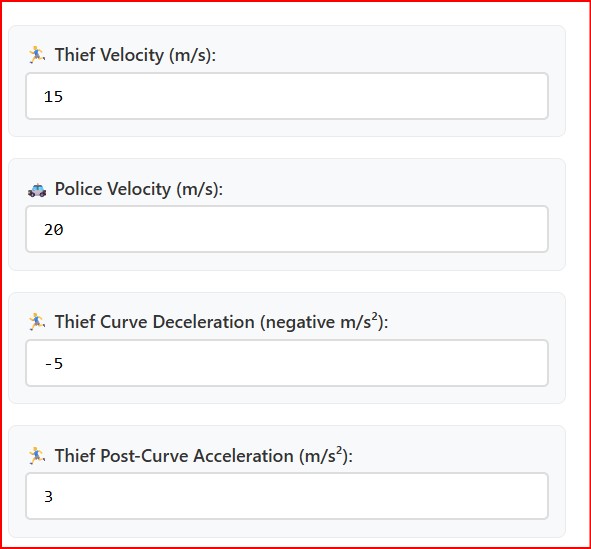
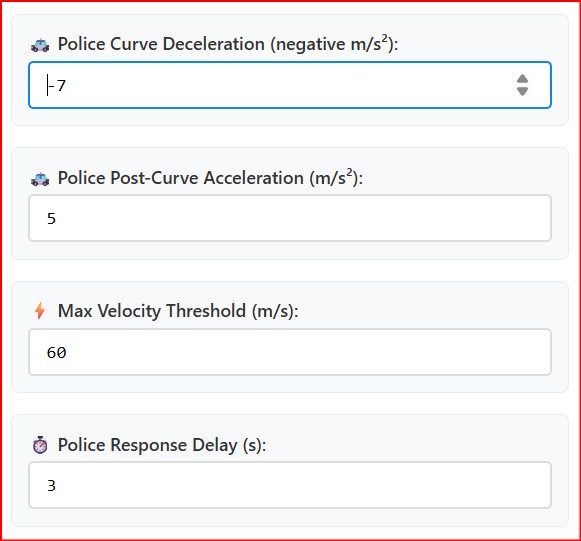
Solution: Added back all the physics controls students can adjust
Try 8: Realistic Catching
Problem: Police “caught” thief just by being nearby (weird!)
Solution: Police must actually block the thief’s path to win
💡 Why AI Coding is Perfect for Teachers
It’s Like Having a Conversation 💬
Instead of learning complicated programming languages, I just told the AI what I wanted in plain English:
“Make the thief slow down at corners” 🔄🐌
“Police should chase wherever the thief goes” 🚔👀
“Save the data so students can make graphs” 📊💾
Fast Results ⚡
Traditional programming: Takes months to learn, weeks to build 📅😰
AI coding: Described what I wanted, got a working game in hours ⏰✨
Could test ideas quickly with my students 🧪👥
Focuses on Teaching, Not Technology 🎓
I spent my time thinking about:
What physics concepts to teach 📚🤔
How to fix student confusion 💭✅
Making the game educational 🎮📖
Instead of worrying about:
Complex programming syntax 💻😵
Technical debugging 🐛🔍
Software engineering 🏗️
🎮 How Students Use the Game
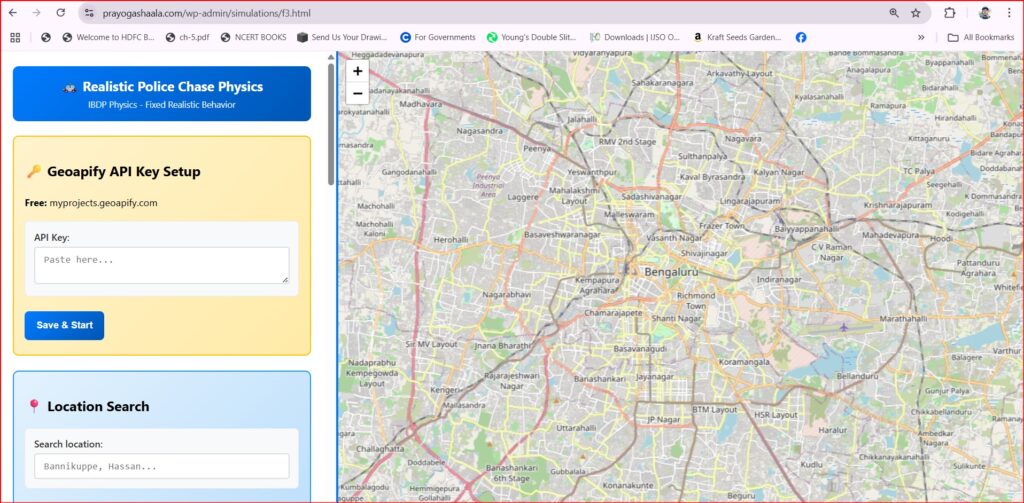
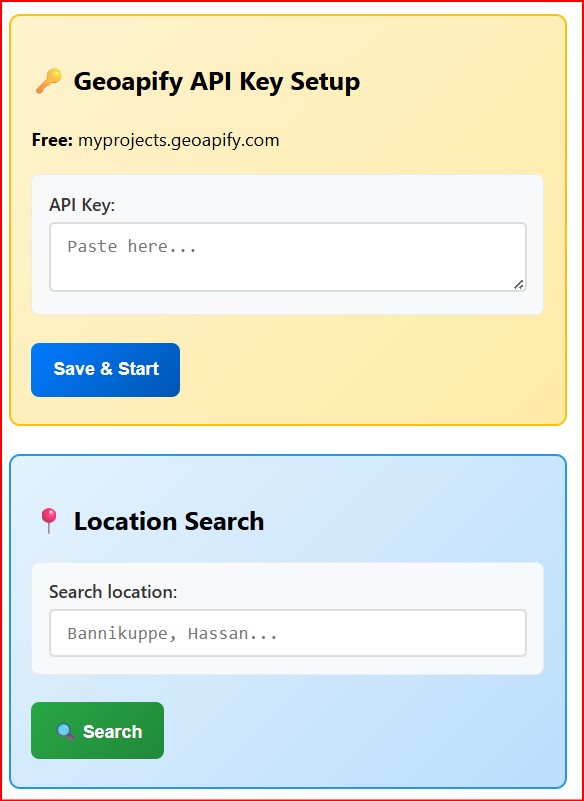
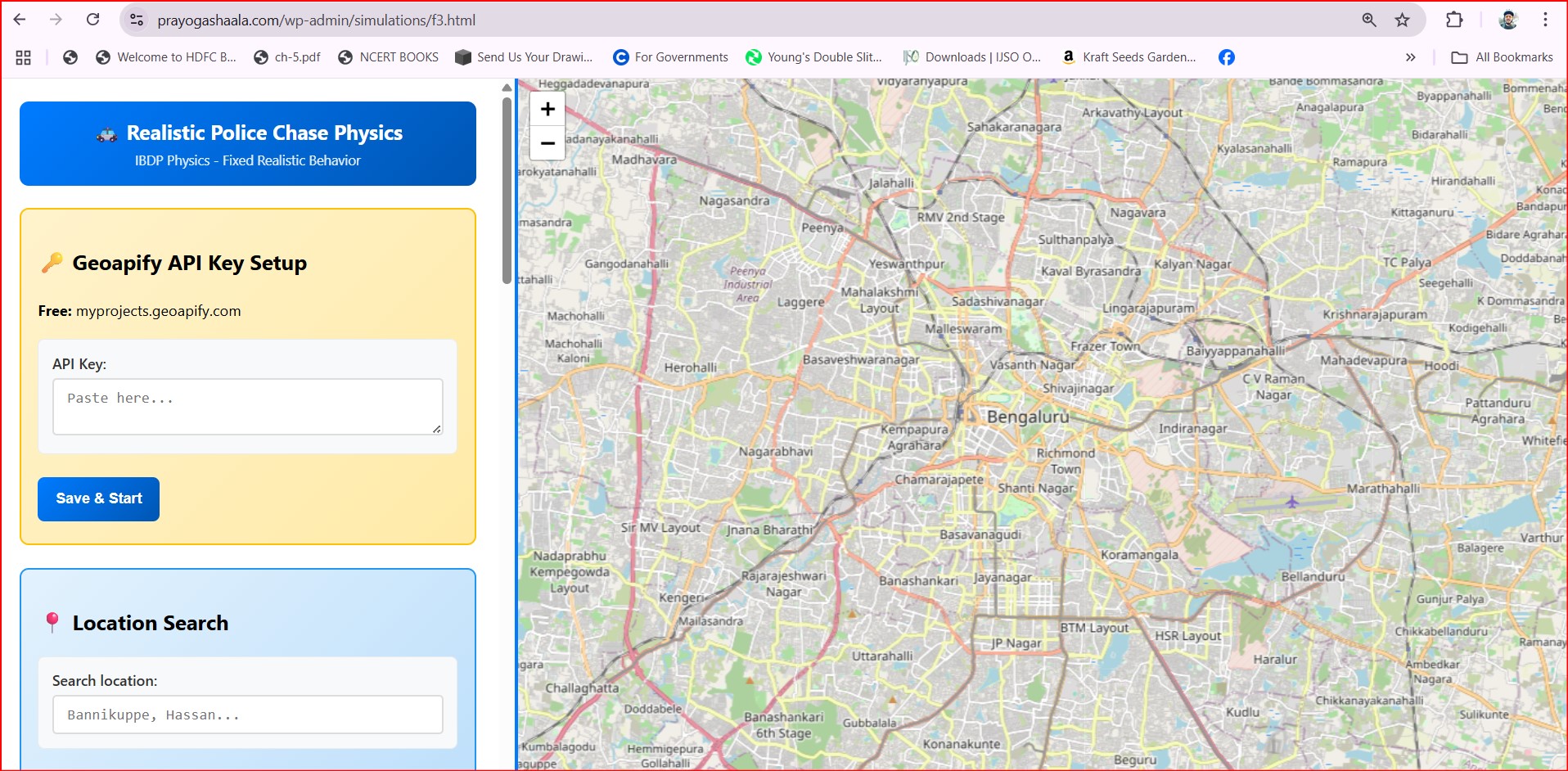
First the students are required to download an API Key from geoapifi.com . Method for downloading this key is shown below in the video
Simple Steps:
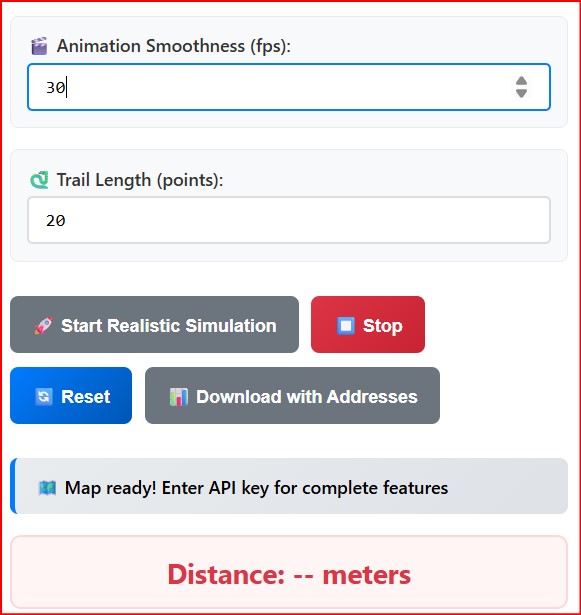
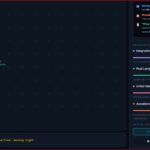
Set up the chase: Click twice on the map 🗺️👆👆
Adjust physics: Change speeds, acceleration, police response time 🎛️⚡
Watch it happen: See who wins based on the physics 👀🏆
Analyze results: Download data to make graphs and study patterns 📊📈
What They Discover:
Faster police = more catches 🚔💨➡️🎯
Longer response time = more escapes 🐌➡️🏃♂️💨
Speed changes at corners affect outcomes 🔄📈
Physics rules determine who wins ⚗️🏆
📚 Teaching Physics Through Gaming
Real Learning Happens 🧠💡
Students don’t just memorize formulas. They see that:
Changing speed actually changes results 📊✨
Objects really do keep moving without being pushed 🚀
Acceleration and speed are different things ⚡≠💨
Physics applies to everyday situations 🏠🌍
Student Questions Get Interesting 🤔💭
Instead of “When will I ever use this?” 😒, students ask:
“What police speed gives a 90% catch rate?” 📊🎯
“How much does reaction time matter?” ⏰🤔
“Why do curves slow everything down?” 🔄🐌
🌟 The Big Picture: Teachers as Game Makers
Old Way: 📰
Wait for companies to make educational software 🏢⏰
Hope it matches what students need 🤞
Accept whatever features it has 🤷♂️
Pay expensive licenses 💰😰
New Way with AI: 🚀
Describe exactly what students need 💬🎯
Build custom tools for specific problems 🔧✨
Modify based on classroom feedback 📝🔄
Create for free with AI help 🤖💚
🎓 What This Means for Other Teachers
You don’t need to be a programmer to make educational games! 👩💻❌ If you can describe what you want, AI can help build it. 🤖✨
Other Games You Could Make: 🎮
Throwing balls to learn projectile motion ⚽🏀
Racing cars to understand friction 🏎️🛣️
Building bridges to explore forces 🌉🔧
Mixing chemicals to see reactions ⚗️🧪
📝 Simple Steps to Try This Yourself
Identify a Problem: What confuses your students most? 🤔❓
Describe Your Solution: What would help them understand better? 💡📝
Talk to AI: Explain your idea in simple terms 💬🤖
Test with Students: See what works and what doesn’t 🧪👥
Improve: Ask AI to fix problems students find 🔧✨
Repeat: Keep making it better 🔄📈
📊 The Results in My Classroom
Before the Game: 📉
Students memorized formulas without understanding 📝🤖
Physics seemed abstract and useless 👻❌
Hard to visualize motion concepts 😵💫
After the Game: 📈
Students experiment with physics parameters 🧪🎛️
See immediate results from their choices 👀⚡
Connect physics to familiar places and situations 🏠🌍
Ask deeper questions about how things work 🤔💭
🎯 Final Thoughts
Building this police chase game taught me that teachers don’t have to wait for perfect educational software. With AI coding, we can build exactly what our students need! 🎮✨
The game works because it:
Uses familiar scenarios (police chases) 🚔🏃♂️
Shows real consequences of physics choices 📊⚡
Lets students experiment safely 🧪🛡️
Connects abstract concepts to concrete experiences 🌉💭
For any teacher reading this: 👨🏫👩🏫 You have ideas that could help your students 💡. AI coding makes those ideas possible 🤖✨. Start simple, test with students, and keep improving! 🚀📈
The future of education isn’t just using technology 📱 – it’s teachers creating technology that solves real learning problems! 🎓🔧✨